What is NotchNook?
NotchNook Pro turns the MacBook notch into a control surface. Music with lyrics, calendar, clipboard, notes, to-dos, timers, weather, a teleprompter and a file Tray all live in a panel that drops from the camera housing, with live activities wrapping around the notch itself. What separates it from other notch apps is the AI work: it follows Claude Code and Codex sessions and lets you approve their commands without leaving the notch. Files can be parked by dragging them to the top of the screen, then AirDropped, converted or downloaded from a copied video link. It runs on macOS 14.6 or later on Intel and Apple Silicon, and it also works on Macs and external displays that have no notch.
Verified product facts
- Type
- notch utilityEditorially reviewed
- Platform
- macOS
- Pricing
- PaidDeveloper-stated
- Developer
- lo.cafe Ltda.Developer-stated
- Relationship to Nuanyue
- Third-party product — not published by NuanyueEditorially reviewed
- Current version
- 2.0.3Developer-stated
- Official website
- getnotchnook.com
Last updated . Facts marked developer-stated come from the developer and are not independently confirmed; editorially reviewed marks a Nuanyue judgement.
Key features
What NotchNook does at a glance.
Notch panel
Music with lyrics, calendar, clipboard and notes in one dropdown
Teleprompter
Scrolls at your pace or follows your voice, with a window for scripts
AI agents
Follows Claude Code and Codex sessions and approves their commands from the notch
File Tray and Pocket
Drag files to the top of the screen to park them, then AirDrop or convert
Video downloads
A copied link downloads straight into the Tray, trimmed if you like
AI Usage
Meters showing how much of your Claude and Codex limits is left
Live Activities
Music, timers, meetings, downloads and battery wrap around the notch
Widget editing
Right-click the notch to add, reorder or remove widgets
Glass or Classic
Let the wallpaper glow through the notch, or keep it solid black
Every display
Works on MacBooks without a notch and on external displays, per screen
Overview
NotchNook Pro turns the MacBook notch into a control surface. Music with lyrics, calendar, clipboard, notes, to-dos, timers, weather, a teleprompter and a file Tray sit in a panel that drops from the camera housing, and live activities wrap around the notch itself. It runs on Intel and Apple Silicon Macs on macOS 14.6 or later, and it also works on Macs and external displays with no physical notch.
The AI workspace is the part that distinguishes it: it follows Claude Code and Codex sessions and lets you approve their commands from the notch, and an AI Usage widget reports how much of each limit is left. Files can be dragged to the top of the screen to park them in the Tray or Pocket, then AirDropped or converted, and a copied video link downloads straight into the Tray.
The app is published by lo.cafe Ltda. from getnotchnook.com. Version 2 relaunched the product as NotchNook Pro, with the 1.x line still sold separately as NotchNook Classic.
NotchNook on video
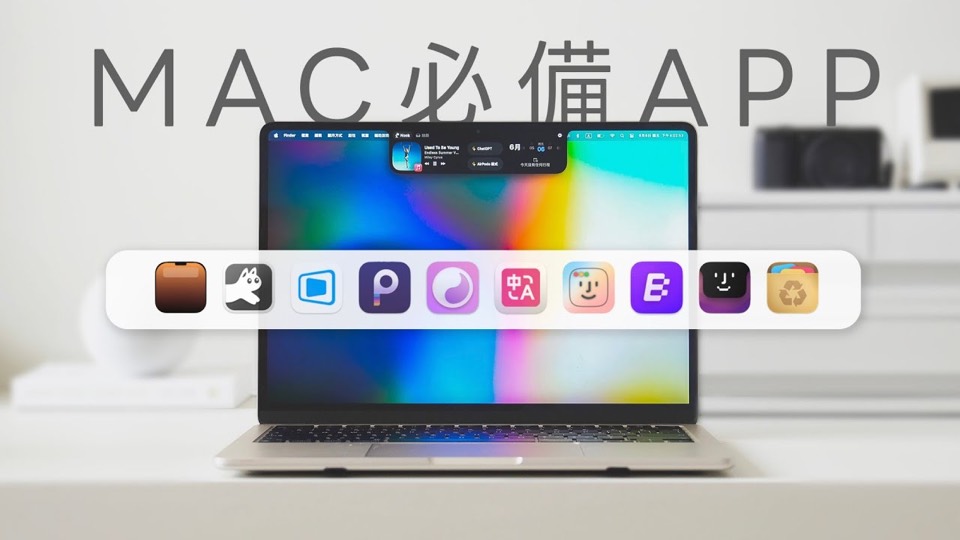
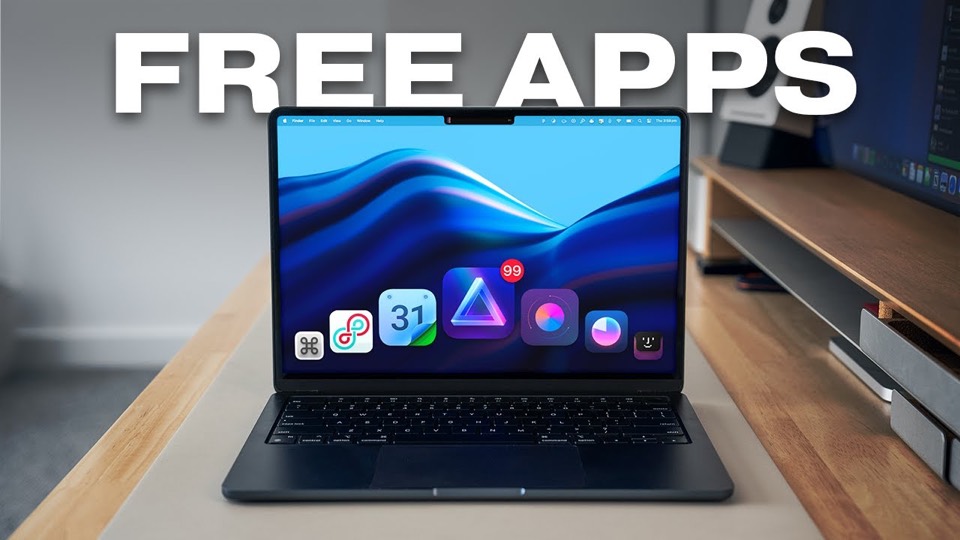
2 videos cover this app. Each is hosted on YouTube and credited to the channel that made it; the chapters and what the video establishes are on its page.
Release history
Dated releases recorded for NotchNook, newest first, each with the source it was read from.
Developer-stated
2.0.3 makes the notch appear reliably after unlocking, turns the AI Usage card into a Claude sign-in prompt instead of a stuck 'rate limited' state, and stops the closed notch opening when the pointer merely passes below it.
Source: Official website
Developer-stated
2.0 relaunched the app as NotchNook Pro: workspaces for music, calendar, clipboard, prompter and AI agents, a file Tray and Pocket, and live activities around the notch.
Source: Official website
Links
Sources
Facts on this page are checked against the sources below. Last updated .
- NotchNook — official websiteGrade B