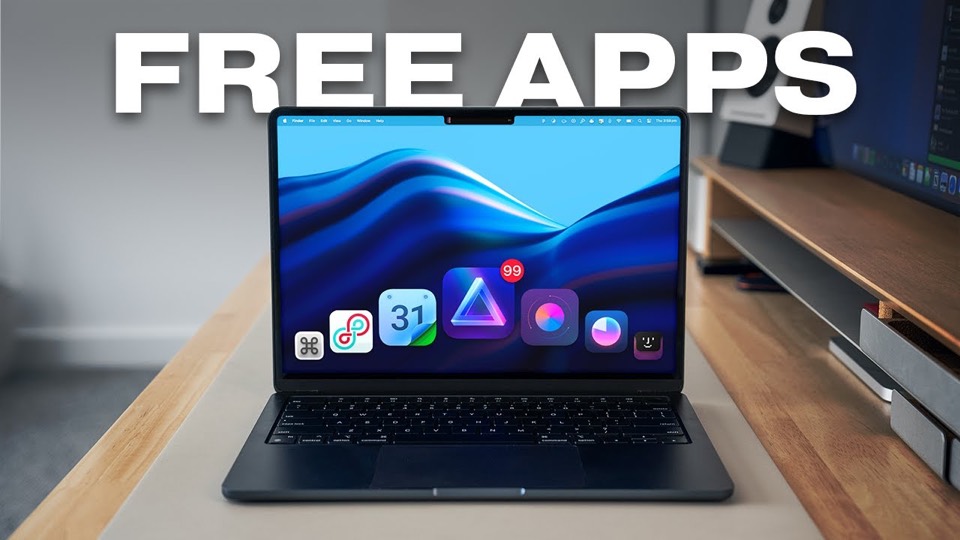
The player could not load. Watch it on YouTube instead.
Twelve Mac apps that fill the gaps macOS leaves
12 INCREDIBLE Mac Apps You Can’t Live Without!
About this video
Twelve minutes and twelve apps, most of them free, and the list is organised by the gap each one fills: the notch, a day-progress bar in the menu bar, a shortcut cheatsheet, audio enhancement, keeping the Mac awake, a text selection popover, light and dark mode, a launcher, iPhone file access, an office suite and a way to run Windows software. Recorded in January 2025, on Sequoia.
The first chapter is a hardware feature rather than a product: the notch. Three separate apps get folded into that one section — NotchNook, Boring Notch and DropNotch — which is the most useful thing the video does, because it reframes a complaint about the display as a category with options.
From there the list settles into gaps. Day Progress at 1:44 puts a bar in the menu bar showing how much of the working day has passed. Cheat Shortcuts at 2:38 brings up every shortcut the front app supports. Boom 3D at 3:20 enhances audio. Caffeine at 4:02 keeps the machine awake. Each is small enough to describe in under a minute, and the video does exactly that.
Raycast at 7:36 is the exception in both size and kind. It is a launcher, it replaces several of the smaller utilities people install separately, and it gets a full minute — which is still not enough, and the video is honest enough not to pretend otherwise.
The last four are the ones that do real work: iMazing at 8:27 for getting files on and off an iPhone without iTunes, ONLYOFFICE at 9:04 as a document suite, Google Calendar at 9:59 in the menu bar, and CrossOver at 10:46 for running Windows software. That final pair is the argument of the whole list in miniature: macOS does not do these things, and the apps that fix it are not obscure.
What it covers
- The notch gets a single chapter covering three apps — NotchNook, Boring Notch and DropNotch — which is the video treating a hardware flaw as a category.
- Raycast at 7:36 is the only launcher in the list and the one entry that replaces several others rather than adding a feature.
- ONLYOFFICE at 9:04 is the only full application here; everything else is a utility, which is what makes it the odd one out.
- The sponsor segment at 4:30 is listed in the chapters rather than hidden, and the video resumes with PopClip immediately after.
Chapters
Chapter times are the creator's own list, published in the video description.
Apps in this video
 NotchNookTurns the MacBook notch into a control surface for music, calendar, files and AI agent sessions.
 Boring NotchTurn your MacBook notch into a music and file control center.
 Day ProgressTime remaining today in your menu bar.
 RaycastKeyboard launcher with extensions, clipboard history and AI.
 OnlyOfficeOffice suite with document, spreadsheet, and presentation editors.