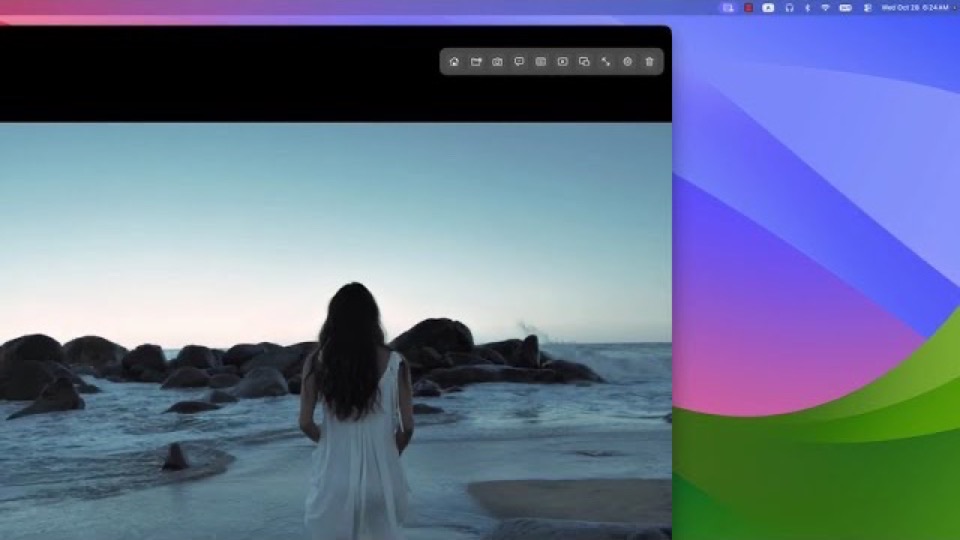
The player could not load. Watch it on YouTube instead.
Vista Player on Mac: 4K HDR, MKV without transcoding, dual subtitles
Mac 播放器还能这样用?Vista Player:4K HDR高清播放、MKV多格式免转码、本地播放数据更安心、双字幕与多格式播放
About this video
A six-minute walkthrough of Vista Player, a local video player for macOS. It opens MKV, MP4, AVI, WebM, MOV, TS and FLV files, plays 4K HDR with hardware decoding, and shows two subtitle tracks at once. The demonstration moves from a 4K clip through an MKV with several audio tracks to a dual-subtitle setup for language learning, then covers the equaliser and the screenshot tools a creator uses to check footage.
The video opens on the three problems it says people hit when they play local video on a Mac: a container the built-in player will not open, subtitles that arrive as a separate file and get out of step, and no fast way to find a moment again in a long file. Each one is demonstrated rather than described, which is what makes the runtime useful — you can see whether the file you own would open.
The middle section is the format tour. The same 4K clip is played to show what hardware decoding buys, then an MKV with several audio tracks is switched mid-playback without re-encoding. The dual-subtitle segment is the one worth watching twice if you study a language: two tracks on screen at once, with style and delay adjusted separately, and the point made that a timing offset is usually the file’s fault rather than the player’s.
The last third turns to creators — thumbnail preview while scrubbing, chapter navigation and a one-keystroke screenshot — before the closing section on who the player suits. The description states that playback history, playlists and settings are stored locally on the Mac; that is the developer’s claim, and the page for Vista Player records it as such rather than as an independent finding.
What it covers
- Which containers the player opens without transcoding — MKV, MP4, AVI, WebM, MOV, TS and FLV
- That 4K HDR playback depends on three things at once: the file's encoding, the Mac's hardware and the display
- How two subtitle tracks are shown side by side, and where style and timing offset are adjusted
- Why scrubbing footage is a different job from watching it — thumbnail preview, chapter marks and one-keystroke screenshots
- That playback history, playlists and settings are described as staying on the Mac
Chapters
Times are the creator's own chapter list, published with the video, so they are exact rather than estimated.