The player could not load. Watch it on YouTube instead.
Mac software roundup: June 2026
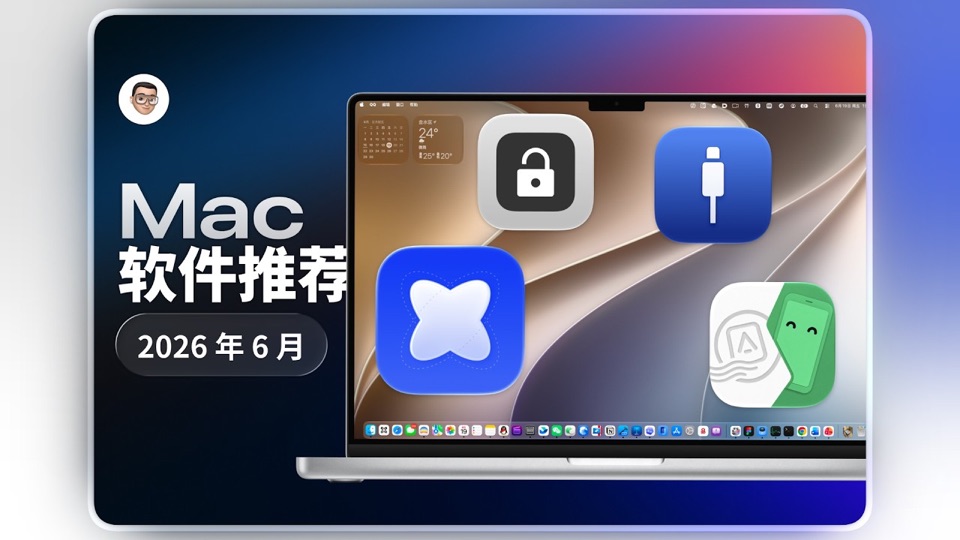
好用的软件再加4个!Mac软件推荐-2026年6月
About this video
A five-minute, four-app roundup that moves from a general capture tool to three narrow utilities: Snapzy for screenshots, screen recording and annotation; BLEUnlock for unlocking a Mac with a Bluetooth device already paired to it; WhatCable for finding out which cable or port is holding a connection back; and AndroidLink for reaching an Android phone from the Mac. Snapzy is the only one of the four with a page on this site, so it is the only one linked below — the others are named because the video names them, not because anything about them has been checked here.
The roundup is ordered by breadth, and the first app gets most of the time. From 0:10 to about 1:18 Snapzy is on screen almost continuously — capturing a video that is playing, annotating over the capture, and then its settings pane. The stretch in the middle where a WWDC keynote appears is not a cut to Apple footage: it is inside Snapzy’s own window, being captured.
BLEUnlock is the shortest segment and the narrowest claim. The menu bar readout in the video is a signal strength in dBm, and the creator’s own caption explains that the number is a ratio against 1 mW, that it is usually negative, and that the closer to zero the better — followed by the instruction not to let the device disconnect. That is the whole mechanism: a Bluetooth device you already carry becomes the thing that unlocks the Mac.
WhatCable is the one worth a second look for anyone who has blamed a monitor for a refresh-rate problem. It sits in the menu bar, and the pitch on its own page is that a display stuck at 30Hz and a dock charging at half speed are both connection problems that look like device problems. The video shows the free build and then a Pro pane for the parts that are paid.
AndroidLink closes the video and takes the longest of the three utility segments. What is shown is a window listing installed Android apps, and then a game running in a window on the Mac desktop rather than on the phone.
Only Snapzy has a page here — Snapzy covers the capture and annotation features this video spends its first minute on. BLEUnlock, WhatCable and AndroidLink have no entry on this site yet, so nothing here should be read as a statement about their pricing, licensing or system requirements.
What it covers
- That Snapzy captures and annotates in the same window, including recording a video as it plays
- That BLEUnlock reports the paired device's signal strength, and that its own advice is not to let that device disconnect
- That WhatCable lives in the menu bar and reports what a cable and port are actually negotiating, rather than only pass or fail
- That AndroidLink is given the longest segment of the four and is used to run Android games on the Mac desktop
Chapters
No chapter list is published with this video. Each time marks where an app's segment begins, read from the video itself.