The player could not load. Watch it on YouTube instead.
The kinds of Mac app you should not install, and why
Why You Should NEVER Use These Apps On Your Mac...
About this video
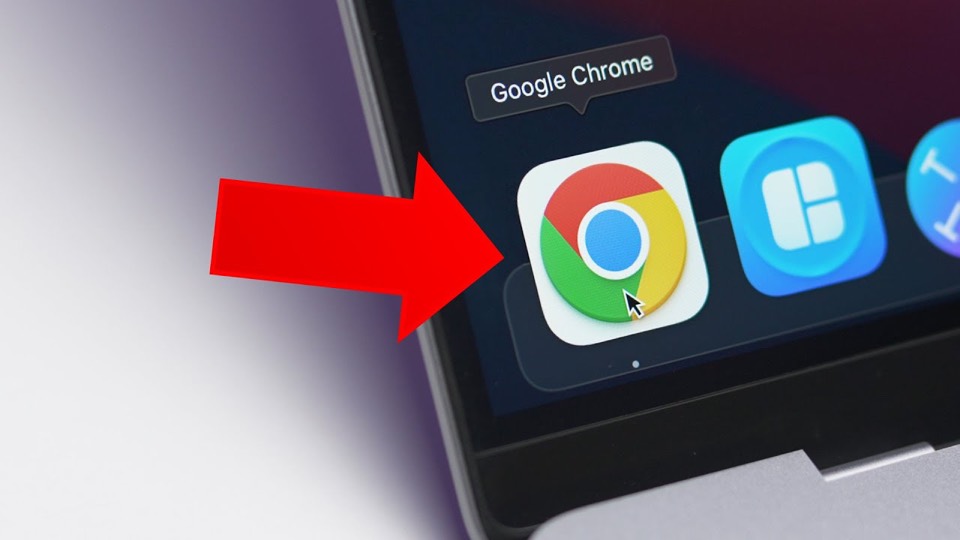
A list in the negative: instead of apps worth installing, six categories worth avoiding, each with the reason. Chrome opens it and takes two and a half minutes, then browser extensions, antivirus software, cleaner apps, image converters and VPNs follow. The argument throughout is about what the software costs in memory, privacy and system stability rather than about whether it works.
Most app videos are lists of things to install. This one is the inverse, and the inversion is more durable: six categories rather than six products, each with a reason attached, so the advice does not expire when a particular app changes its pricing.
Chrome takes the first slot and the longest section, from 0:52 to 3:21, and the complaint is the familiar one — memory and battery on a laptop. It is worth noting what the video does not do: it does not claim Chrome is malicious, only expensive, which is a defensible position and a different argument from the ones that follow.
Browser extensions at 3:21 is where the video turns from cost to risk. An extension runs inside a browser that holds your sessions, and the permissions people grant to a toolbar icon are the permissions of everything they are logged into. Antivirus at 5:51 makes the related point from the other direction: macOS ships malware protection and a gatekeeper check for unsigned software, and the video’s position is that a third-party suite adds cost rather than coverage.
The last three sections are the most useful and the least talked about. Cleaner apps at 8:48, image converters at 10:19 and VPNs at 11:27 are all categories where the free option is either built in or unnecessary, and where the paid option is often monetised through data rather than through the price. Watch it as a checklist of things to be suspicious of rather than as a review of anything specific.
What it covers
- Chrome is the only named app in the video and it gets the longest section, from 0:52 to 3:21, on memory and battery cost.
- The rest of the list is categories rather than products, which is what makes it outlast the apps it was recorded about.
- Antivirus gets almost three minutes, the second-longest section, and the argument is that macOS already ships the protection.
- Cleaner apps and image converters share a premise: a utility that promises to fix something the system does not need fixed is the risk, not the fix.
Chapters
Chapter times are the creator's own list, published in the video description.