The player could not load. Watch it on YouTube instead.
Eleven newer Mac apps for the Finder, volume and the menu bar
11 Mac Apps I Wish I Found Sooner!
About this video
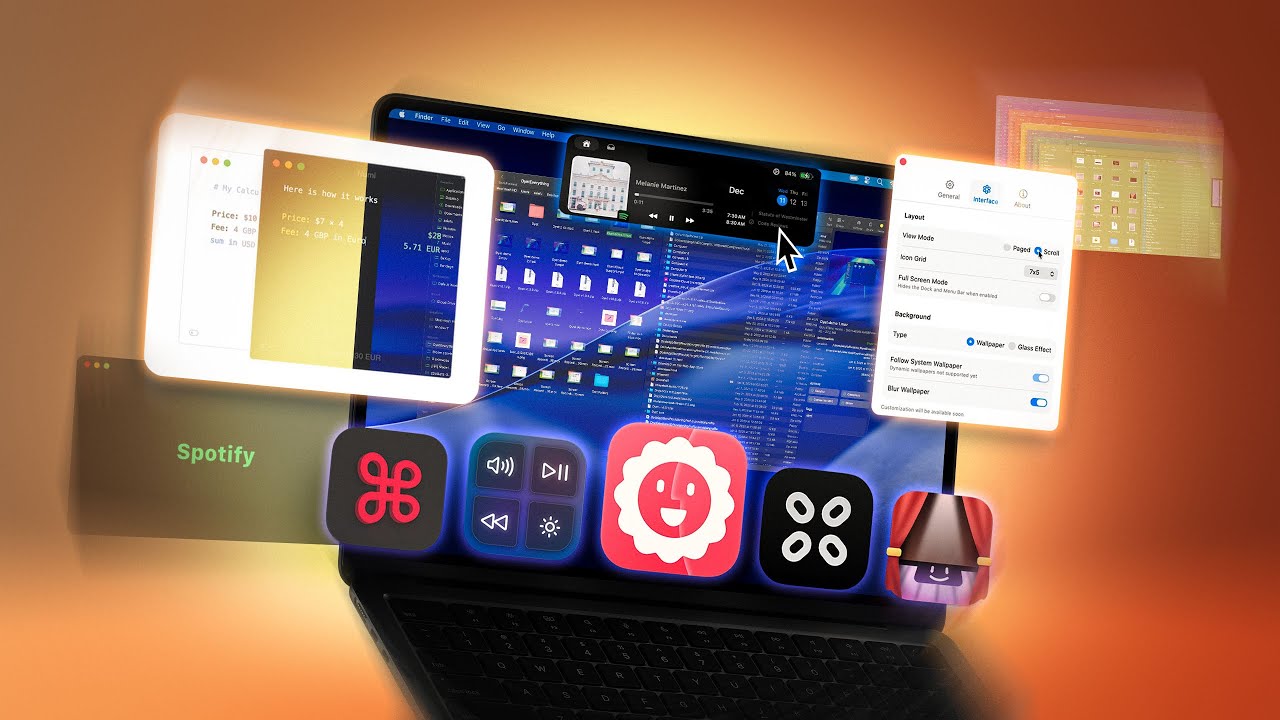
A December 2025 roundup of eleven apps Brandon Butch says he uses daily, with a new kind of Finder, a volume utility, a Launchpad replacement, a calculator and a menu-bar group among them. The description carries sponsored links and a discount code for Moonlock, so the commercial interest is declared in the source itself.
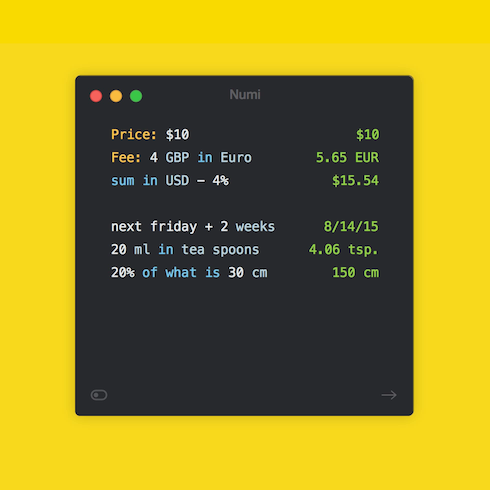
This is the second Brandon Butch list linked from Nuanyue — the earlier thirteen-app video is a different set. Here the emphasis is on newer utilities: Bloom as a Finder alternative, MediaMate for volume, LaunchOS as a Launchpad replacement, plus Numi, Boring Notch and Launchy.
Only three of the eleven named apps have Nuanyue entries. Bloom, MediaMate, LaunchOS, Moonlock, CCCorners, UpdateStar, Rcmd and MusicDecoy are named in the source but have no page here, so no association is claimed for them.
The creator leads the description with a Moonlock trial and discount code. That does not invalidate the rest of the list, but it is worth knowing before reading the first minute as an unbiased recommendation.
What it covers
- The apps are mostly recent small utilities rather than long-established Mac staples.
- A new Finder, a volume control and a Launchpad replacement are the first three, so the video is aimed at daily friction rather than power workflows.
- Moonlock is promoted at the top of the description with a discount code; treat that placement as advertising.
Chapters
Chapter times come from the creator's own list in the video description; the description available at capture ends partway through the chapter list.