The player could not load. Watch it on YouTube instead.
Editing in Final Cut Pro 12 on an M5 MacBook Pro
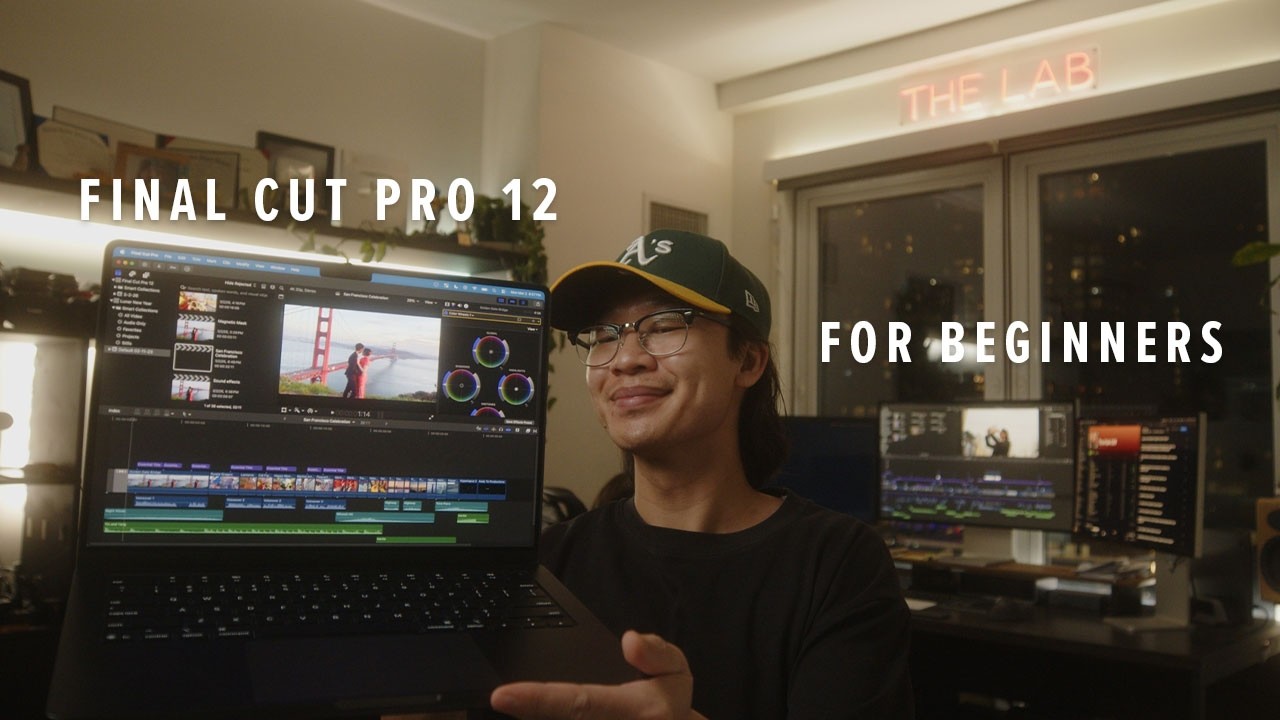
Final Cut Pro Tutorial for Beginners | Follow Along + M5 MacBook Pro Unboxing
About this video
A follow-along edit in Final Cut Pro 12 built around a Lunar New Year project, recorded on a 14-inch M5 MacBook Pro with 32 GB of memory and 4 TB of storage. The creator walks through keyboard commands, storyline editing, retiming, connected clips, voiceover, titles, voice isolation and export, then discusses Apple Creator Studio and AI features such as transcript search.
Where the other Final Cut Pro tutorial is a course, this one is a follow-along session. The creator edits a real Lunar New Year project and uses the opportunity to show keyboard-driven actions — storyline inserts, retiming, connected clips, voiceover, titles and voice isolation — with a downloadable command set.
The hardware part is context, not evidence. Everything was recorded on a 14-inch M5 MacBook Pro with 32 GB of memory and 4 TB of storage, but there is no comparison against another machine, so nothing here establishes how Final Cut Pro performs on other Macs.
The video also discusses Apple Creator Studio and the AI features in Final Cut Pro 12. The software names in the description have no Nuanyue entries, so this page deliberately has no linked app.
What it covers
- The whole edit is performed with keyboard shortcuts, and the creator offers his own command set as a download.
- The M5 MacBook Pro is the recording environment, not a controlled benchmark — the video does not compare machines.
- Final Cut Pro is described as part of Apple Creator Studio alongside Logic Pro, Motion, Compressor and Pixelmator Pro.
Chapters
Chapter times are the creator's own timestamps; the description available at capture ends partway through the full list.
Apps in this video
The video uses Final Cut Pro and mentions Logic Pro, Motion, Compressor and Pixelmator Pro, none of which has a Nuanyue software entry. No app page is linked rather than claiming an association to an app not shown in the video.