The player could not load. Watch it on YouTube instead.
Installing a Mac app when macOS says no: Gatekeeper, quarantine and notarisation
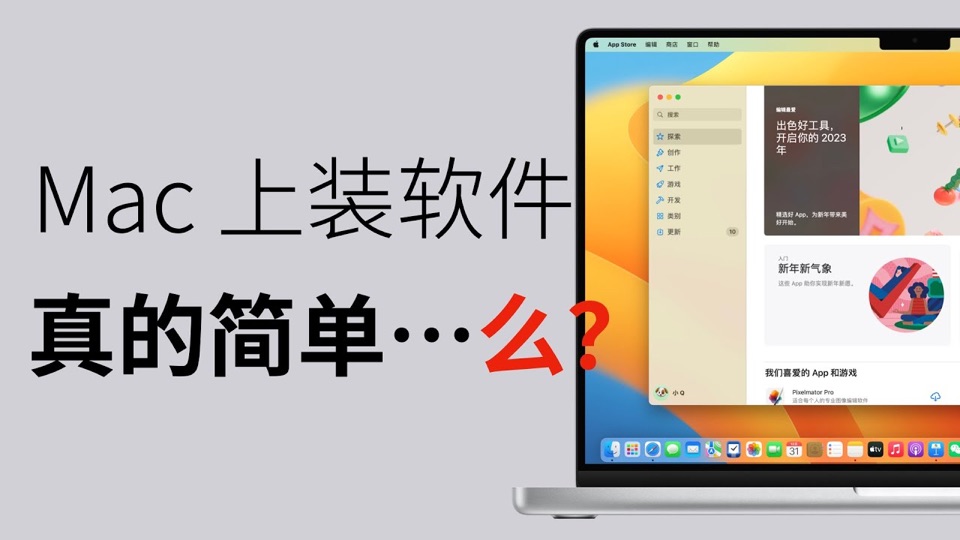
在 Mac 上装软件,要学会和苹果斗智斗勇
About this video
An eight-and-a-half-minute explanation of why a Mac refuses to open a downloaded app, and what each refusal actually means. It separates the layers that are usually lumped together: the quarantine flag on a downloaded file, Gatekeeper's policy, notarisation by Apple, and the signature on the bundle. The last third moves to the terminal, where the flag can be inspected and cleared, which is the part worth watching rather than copying blindly.
This is the companion video to What Is Gatekeeper on Mac, and it takes the same position from the other end: the written guide says what the check is for, and this says what you see when it fires and what each message is actually telling you.
The structure is a sequence of failures, in the order a new Mac user meets them. First a download that opens normally. Then one that does not, with the “cannot be opened because the developer cannot be verified” dialog — which the video treats as two separate facts, a missing notarisation ticket and an untrusted signature, that happen to produce one message. Then the same app after the reader has been told to right-click and choose Open, and why that path behaves differently.
The middle section is about the quarantine attribute specifically. This is the part most explanations skip: a file that arrives over the network is marked, the mark is what makes the first launch go through Gatekeeper, and the mark is per-file rather than per-app. The video shows the attribute in the terminal before and after clearing it.
The last third is the terminal work — inspecting the attribute, clearing it, and
the spctl checks that report on Gatekeeper’s assessment of a bundle. It also
covers the three things a distributor is checked for: a notarisation ticket, a
signature from a known developer, and whether the bundle has been modified since
signing.
Two caveats. The recording is from late 2022, so the System Settings panes it shows are the Ventura layout; the same switches exist on current macOS but not in the same place. And the description’s own reference list is better than most — it cites Apple’s notarisation documentation, Apple’s support article, and Howard Oakley’s write-up on quarantine and translocation, which is where to go for the parts a video cannot show.
What it covers
- That 'cannot be opened because the developer cannot be verified' is a notarisation and signature question, not a damaged file
- That a downloaded file carries a quarantine attribute, and that this attribute is what triggers the first-run check
- That Gatekeeper's per-source policy lives in System Settings, and what changing it does and does not allow
- That the terminal can show the quarantine attribute on a file and clear it, and that doing so removes a check rather than passing it
- That an app can also be translocated — run from a randomised read-only path — which is why some first runs behave oddly
Apps in this video
No app page is linked. The video is about macOS itself — what Gatekeeper checks, what the quarantine flag does, and what notarisation and code signing are — so no single app is its subject and none is claimed here.