The player could not load. Watch it on YouTube instead.
Ten Mac productivity apps, from file drops to clipboard history
10 BEST Mac Apps for Productivity!
About this video
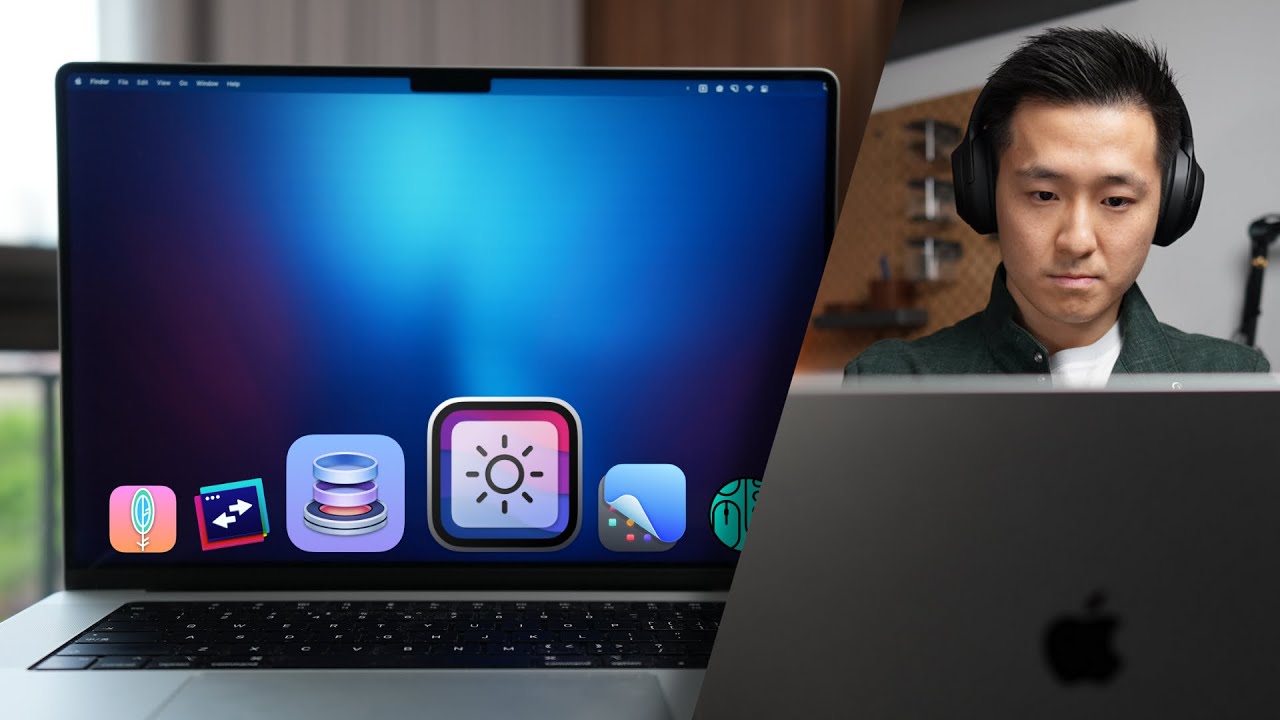
A twelve-minute tour of ten utilities Jeff Su uses daily, with a timestamp for each app and a free alternative named wherever he recommends something paid. Dropzone manages dragged files, AltTab selects a specific window, Monitor Control adjusts display brightness, Moom snaps windows, Numi converts units, CheatSheet lists shortcuts, AppCleaner uninstalls, CleanShot X captures the screen, Alfred replaces Spotlight and Logi Options remaps input devices.
This is a working setup rather than a ranked review. Each app gets about a minute, and the description names the free alternative wherever the creator picks something paid — Rectangle against Moom, the built-in screenshot tools against CleanShot X, Maccy against Alfred’s paid clipboard history.
What makes it worth linking from the app pages is the specificity. “Window snapping” is at 3:52 and is Moom; “select a specific window” is at 1:40 and is AltTab; the two are different jobs even though both involve windows. A reader searching for one of those apps can jump to the relevant minute rather than watch a list in which their app is one of ten.
The video is from April 2022. Several of these apps have changed substantially since, and the free-versus-paid lines in particular should be checked on the app’s own page before buying.
What it covers
- The list names a free alternative for each paid pick: Rectangle instead of Moom, and the built-in screenshot tools instead of CleanShot X.
- Maccy is recommended as a free clipboard manager in place of Alfred's paid clipboard feature, which is why the launch and clipboard jobs are treated separately.
- The order is practical rather than analytical: file drops, window control, then input and uninstalling.
Chapters
Chapter times are the creator's own timestamps, published in the video description.
Apps in this video
 DropzoneCreate a popup grid of customizable actions.
- AltTabWindows-style Alt-Tab window switcher for macOS.
 MonitorControlControl external display brightness and volume directly.
 MoomWindow management tool for moving, resizing, and saving layouts.
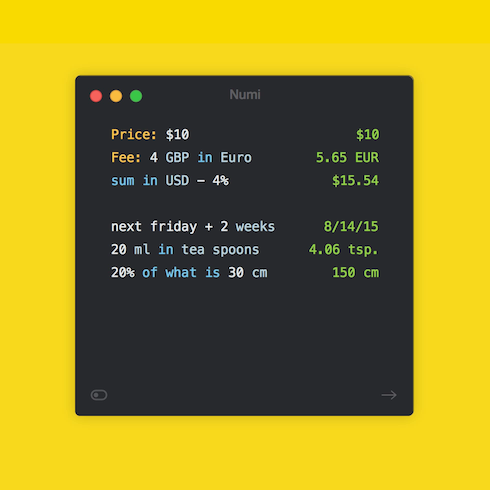 NumiBeautiful calculator app for Mac.
- AppCleanerThoroughly uninstall apps.
 CleanShot XDiscover a superior way to capture your Mac's screen.
 AlfredLauncher and automation tool with workflows and snippets.
 MaccyLightweight clipboard manager for macOS.
 DownieVideo downloader for macOS with support for YouTube and other 1200 sites.
 RectangleFree open-source window manager for macOS, with a paid Pro tier.