The player could not load. Watch it on YouTube instead.
Mac basics: gestures, the trackpad, and the shortcuts worth memorising
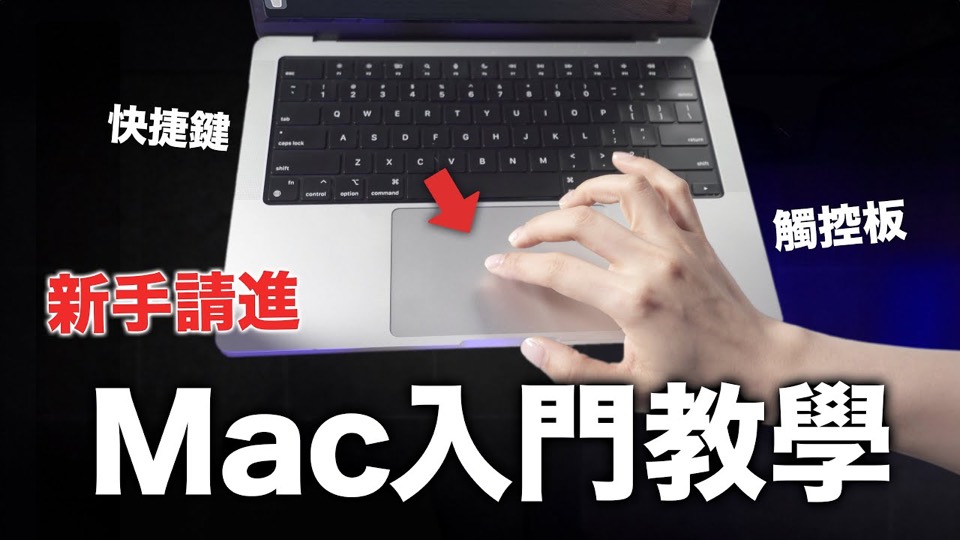
新手必看!Mac基礎教學 手勢 觸控板 快捷鍵教學 內附複習表💜
About this video
Fifteen minutes of the two input surfaces a new Mac owner has to learn: the trackpad, where the gestures are the whole point, and the keyboard, where the Command key replaces everything a Windows user knows. The description also links a revision sheet, which is the part that makes this a reference rather than a watch-once video.
The pairing of the two surfaces is the sensible part: gestures on the trackpad and shortcuts on the keyboard are the same skill learned twice, and a new Mac owner who learns only one of them ends up reaching for the mouse for half of what the machine can do without it.
The description says the basics of both are covered “in one go”, and that the settings they depend on are part of it — which matters, because several of the gestures people are shown in videos like this are off by default and cannot be demonstrated until they are switched on. That is the difference between a gesture tutorial that works and one where the viewer cannot reproduce anything.
The revision sheet is the reason to keep the link. A video about muscle memory is the wrong medium for muscle memory: the useful artefact is a one-page list that can sit beside the machine for the first week, and the description points at one hosted outside YouTube.
Recorded in December 2023, on Sonoma, so the panes it opens are already called System Settings; the gestures themselves have not changed since.
What it covers
- Gestures and shortcuts are taught together because they are the same skill — doing something without leaving the keyboard or the pad.
- The video ships a revision sheet, so it is designed to be paused and returned to rather than watched once.
- It covers a stock Mac, so there is nothing to install to follow along.
Apps in this video
No app page is linked. The video covers the trackpad and the keyboard of a stock Mac, and the only download it points at is its own revision sheet, not software.