The player could not load. Watch it on YouTube instead.
Building a Notion dashboard from an empty page
Become a Notion Expert in 20 minutes | Notion Tutorial for Beginners (Full Guide)
About this video
Five chapters, and the fifth runs from 5:28 to the end: twelve of the seventeen minutes are one uninterrupted build of a dashboard with a to-do list, projects and a calendar. The first five minutes are the vocabulary — page structure at 2:01, text editing at 2:44, the slash command at 3:24.
A chapter list with five entries in a seventeen-minute video tells you where the weight is. Everything before 5:28 is setup for the part that matters: page structures, text editing and the slash command, each dispatched in well under a minute. Then the video stops explaining and starts building, and does not stop until the end.
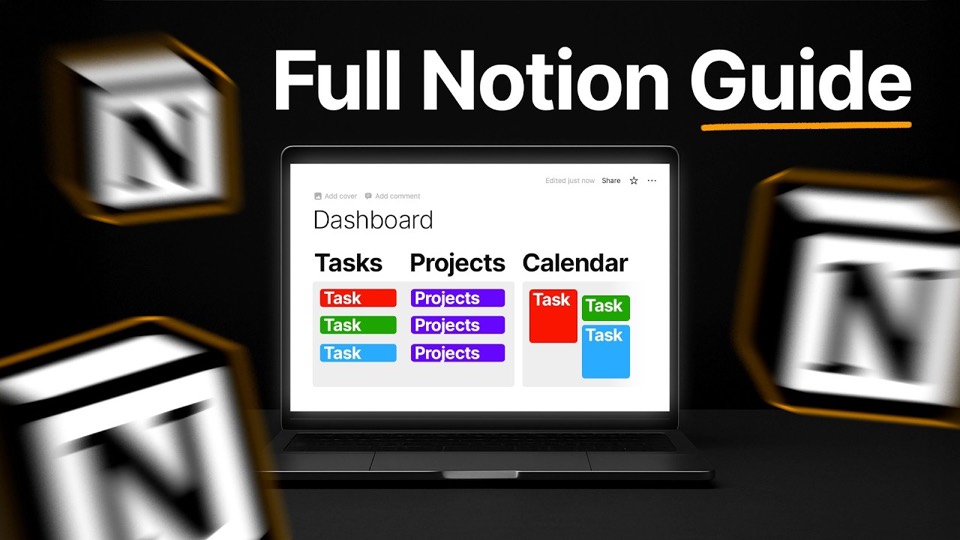
The build is a personal dashboard — a to-do list, projects, and a calendar — and the description names the mechanisms: filters, sort and groups. Putting them inside the build rather than in a chapter of their own is the right call. They are not features of Notion so much as properties of a database, and a database only means anything once you have one with rows in it.
The compression has a cost. Under a minute on page structure is enough to see that pages nest and that text lives in blocks, and not enough to learn what a block can be. If you have never opened the app, expect to rewatch the first five minutes with the app open beside the video; if you have, start at 5:28.
One small honesty note: the title advertises twenty minutes and the video runs seventeen forty-six. That is a rounding in the flattering direction, not a misdescription of the contents.
What it covers
- The title says twenty minutes; the runtime is seventeen forty-six, and the build section alone is twelve minutes of it.
- Filters, sort and groups are covered inside the build rather than as a separate chapter, which is where they make sense — they are properties of a database, not of the app.
- The first three chapters are vocabulary in under three and a half minutes: pages nest, text is a block, and the slash command is how you make one.
- Watch from 5:28 if you already know the interface — the rest is preamble you have seen before.
Chapters
Chapter times are the creator's own list, published in the video description.