The player could not load. Watch it on YouTube instead.
Raycast from installation to quicklinks, in eighteen minutes
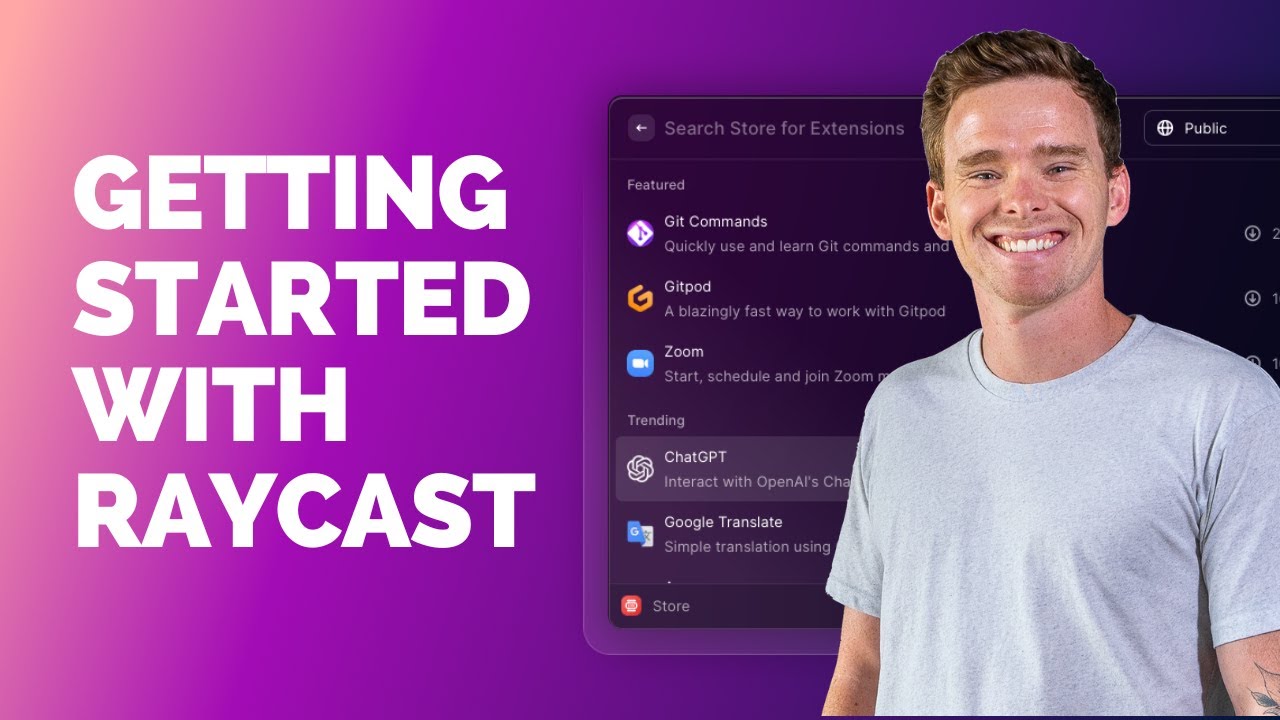
Raycast - Full Tutorial
About this video
A step-by-step Raycast walkthrough that starts at download and settings, then moves through finding files, opening apps, calculator conversions, aliases and hotkeys, calendar items, Shortcuts, Reminders and quicklinks. The creator says he switched from Alfred after fifteen minutes, so the comparison is a stated personal preference rather than a tested verdict.
Where the site’s other Raycast video spends a quarter of its runtime on Alfred, this one is a straight tutorial: download, configure, then use the launcher for files, apps, conversions, aliases, calendar, Shortcuts and Reminders.
That makes it the better companion to the software page for a reader who has just installed Raycast and wants to know what the search box can do. The eighteen minutes are longer than the feature list suggests because each step is shown rather than named.
The creator mentions being a former Alfred user and switching quickly. That is a personal account, not a comparison, and the video does not test the two side by side. An affiliate link sits at the top of the description, which is disclosed here rather than hidden.
What it covers
- The sequence follows a new user's first hour: install, find, launch, calculate, then automate.
- Shortcuts, Reminders and quicklinks are covered after the basics, so this is a setup guide rather than an extension showcase.
- The description carries an affiliate link for Raycast Pro; the walkthrough itself is not sponsored as a review.
Chapters
Chapter times are the creator's own list, published in the video description.