The player could not load. Watch it on YouTube instead.
Ten free Mac apps, none of them trials
10 Must Have FREE Mac Apps 2025
About this video
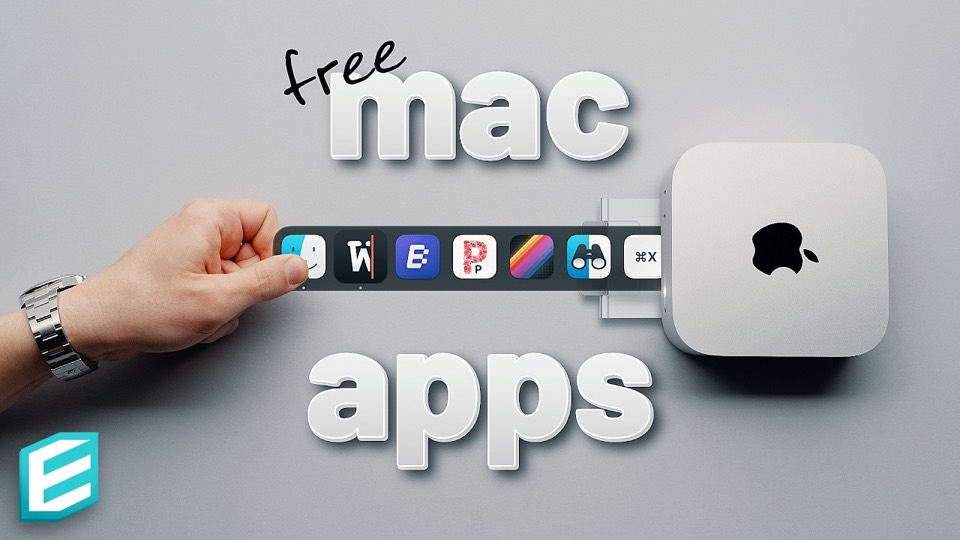
Thirteen minutes, ten apps, and a strict rule the title does not have to explain: free, not free-trial. The picks run from a folder preview and a cut-and-paste fixer through light and dark mode, file transfer, a launcher, a note app and three image tools — paste-as-plain-text, an optimiser and a GIF encoder. Recorded in May 2025, on macOS Sequoia.
The constraint does most of the curating here: free means free, not a trial with a watermark. That rule removes most of what these videos usually recommend, and what is left is a list of small utilities where the free version is the whole product rather than a demo of one.
Command X at 1:54 is the entry worth understanding even if you install nothing else. macOS has no Cut command for files — you copy, then hold a modifier on paste — and this adds the missing menu item. It is a fix for something Apple has left alone for twenty years, which is exactly the shape of app that stays free.
Blip at 3:48 gets over three minutes, the longest single section, because it is solving the most awkward problem in the list: sending a file to another device without a cable, an account or a cloud drive. Every other entry is under a minute and a half, which is the right proportion for utilities that either fit into a habit immediately or do not.
The back half is dominated by images, and that is where free software has the clearest advantage over paid. Pure Paste at 9:14 strips formatting from whatever you copy; ImageOptim at 10:09 compresses images without visible loss; Gifski at 10:58 turns a video into a high-quality GIF. Three apps, one category, and each one replaces something that charges money for the same job.
The last entry at 12:23 is a system monitor, which is the one pick here that does not do anything to a file. It is a reasonable place to end: the list has been about removing friction, and watching what the machine is doing is the same instinct applied to the machine itself.
What it covers
- Command X at 1:54 is the most specific pick: macOS has no Cut for files, and the app adds the menu item the system leaves out.
- Three of the ten are image tools — Pure Paste, ImageOptim and Gifski — which is the densest cluster in the list and the one most likely to replace paid software.
- Blip at 3:48 gets over three minutes, the longest section by a wide margin, because sending a file between devices is the one job on this list that normally involves an account.
- Launchy at 7:04 is the only entry that changes how apps are opened, and it is the closest thing here to a launcher.
Chapters
Chapter times are the creator's own list, published in the video description.