The player could not load. Watch it on YouTube instead.
Ten free Mac apps that change how a MacBook feels
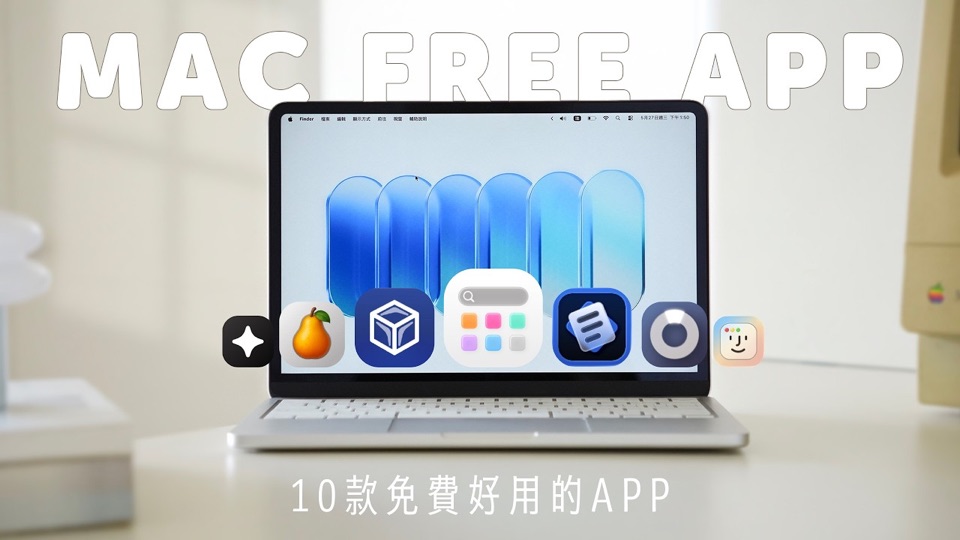
Mac 必備 10 款免費 App 推薦!大幅提升 MacBook 使用體驗 (Neo / Air / Pro / Mac mini 都適用)|塔科女子
About this video
Eighteen minutes, ten apps, and a structure that is closer to a tour of the Mac's own gaps than to a best-of list: one app per job — snapping windows, managing them, holding a file mid-drag, moving it to another device, watching the machine, cleaning it, changing the wallpaper, using the camera as a mirror, taming the menu bar, and replacing Launchpad. Seven of the ten have a page on this site and are linked below; Blip, Wallspace and HandMirror do not, so they are named here because the video names them and nothing about them has been checked.
The video is organised as ten answers to ten separate irritations, and the order is roughly the order a new MacBook owner meets them: getting windows where you want them, holding on to a file, getting it to another machine, knowing what the machine is doing, and then the cosmetic and organisational layer at the end.
The first three minutes are the opening and a sponsored segment for SEEK power banks and a charger. That is worth knowing because the description lists it as a chapter alongside the apps, and it is not one — the ten apps begin at 3:24.
Loop and DockDoor are the two window apps, and the video is explicit that they are alternatives rather than a pair. Loop is the keyboard one: hold a modifier, aim, and the window takes a pane. DockDoor puts window handling on the Dock, which suits the hand that is already there.
DropOver addresses the part of a drag that has no good answer on a stock Mac — the moment in the middle, when the thing you are carrying needs to go somewhere that is not currently on screen. The shelf holds the file while you navigate, then takes the drop.
Blip is the file-transfer pick, and its case is the one AirDrop handles awkwardly: a large file between devices that are not in the same room, or not signed in to the same account.
Stats is the monitoring app, with the readouts in the menu bar rather than a window, which is the difference between glancing at load and opening something to check it.
PearCleaner is the cleanup pick and the only one on the list whose job is removal — the preference files and support folders an app leaves behind when it is dragged to the Bin.
The last four are the layer that makes the Mac feel like yours rather than Apple’s: a moving desktop picture in Wallspace, the iPhone camera used as a mirror in HandMirror, Ice for the menu bar, and LaunchNext standing in for Launchpad.
Seven of the ten have pages here — Loop, DockDoor, DropOver, Stats, PearCleaner, Ice and LaunchNext. Blip, Wallspace and HandMirror have no entry on this site yet, so nothing above should be read as a statement about their pricing, licensing or requirements.
What it covers
- Loop and DockDoor overlap — one is keyboard-driven pane splitting, the other is Dock-based window handling — and the video presents them as two answers to the same problem rather than one
- DropOver's point is the gap in a drag: a file can be parked on a shelf, moved to another window, and dropped from there
- Blip is shown sending a large file between devices directly, which is the case AirDrop does not cover well across accounts
- Stats puts CPU, memory, disk and network readouts in the menu bar rather than in a window
- PearCleaner's job is the leftovers an app leaves behind after being dragged to the Bin
- Ice is the menu-bar manager in this list, which is the same problem Hidden Bar solves in an older roundup
- LaunchNext replaces Launchpad rather than supplementing it
Chapters
Chapter times are the creator's own list, published in the video description. The sponsored segment at 0:48 is in that list and is labelled here as what it is rather than as another app.
Apps in this video
- LoopWindow management made elegant.
 DockDoorFree and open source window peeking & alt-tab for macOS.
 DropoverTemporary shelf for collecting and moving dragged files, text, and links.
 statsfree Mac system monitor for the menubar.
- PearcleanerA free, source-available and fair-code licensed mac app cleaner.
- IceMenu bar manager for hiding icons and organizing layouts.
- LaunchNextClassic Launchpad experience, relive old macOS.