The player could not load. Watch it on YouTube instead.
Running Terminal commands on a Mac from zero
How to Run Terminal Commands on Mac: The Complete Beginner's Guide (2026)
About this video
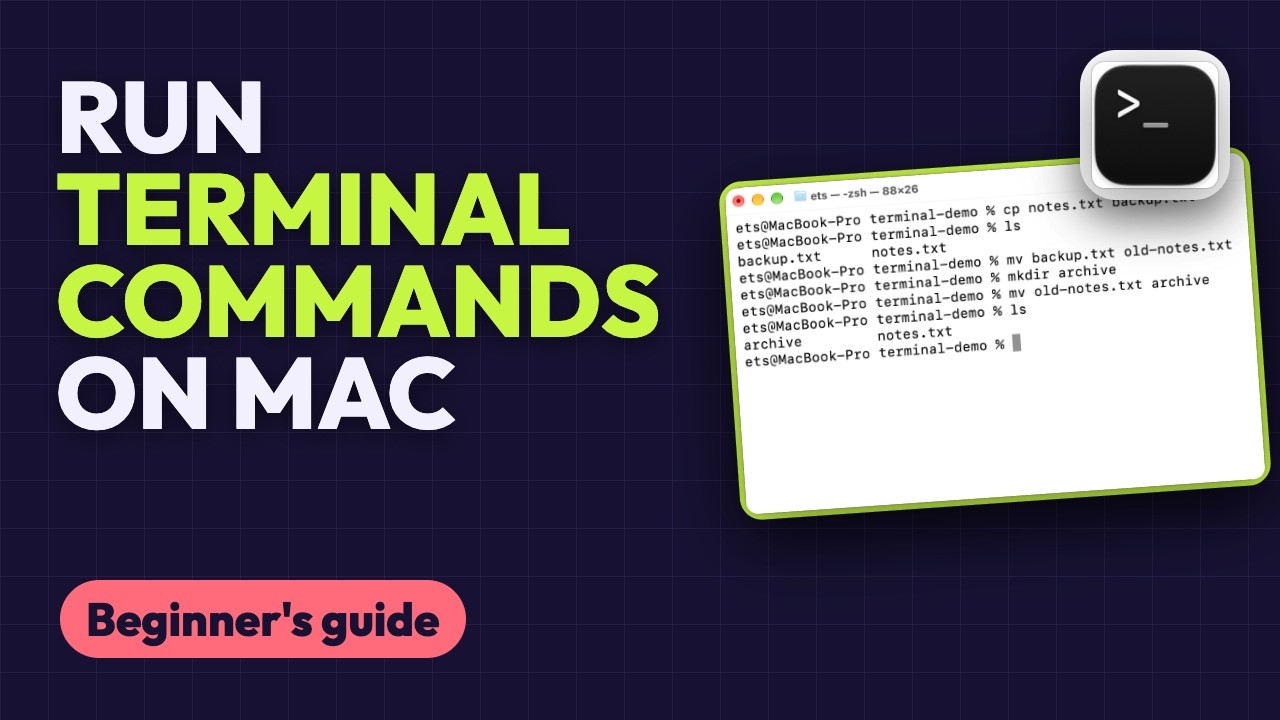
A from-zero Terminal lesson: open Terminal, read the prompt, then run pwd, ls, cd, mkdir, touch, cp, mv and open inside a practice folder. The aim is to understand a command before pressing Return, not to memorise a list.
What the video covers
A from-zero Terminal lesson: open Terminal, read the prompt, then run pwd, ls, cd, mkdir, touch, cp, mv and open inside a practice folder. The aim is to understand a command before pressing Return, not to memorise a list.
How Nuanyue frames it
This page records an external video published by Dev Lo on 2026-11-22. The title above is the creator’s own; the heading on this page is Nuanyue’s English summary. The runtime is 15 minutes, and the view figure is a snapshot read on 2026-11-27, not a live count.
The app links on this page are limited to products named in the video’s own description that also have a Nuanyue entry. Where a tool has no entry here, no link is claimed.
Chapters
Chapter times are the creator's own timestamps, published in the video description.
Apps in this video
No app page is linked: the apps named in this video are not established by the source or have no Nuanyue entry.