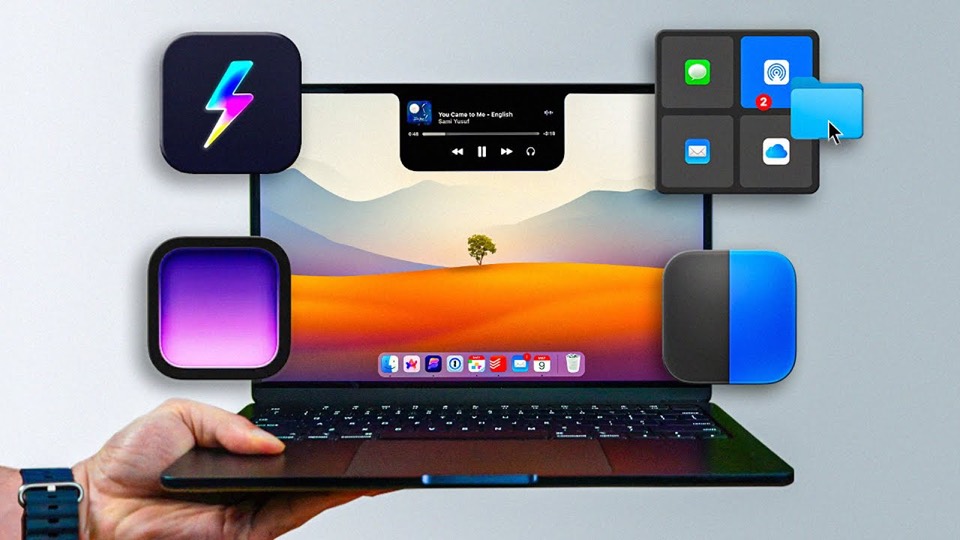
The player could not load. Watch it on YouTube instead.
Thirteen Mac apps someone almost cannot work without
13 Mac Apps I (Almost) Can't Live Without
About this video
Thirteen apps in thirteen minutes, and the chapter names are the reason to watch: instead of labels, each one states the problem it solves — never miss a meeting, save space without trying, uninstall apps the right way, give power to the second Command key. The result is a list you can navigate by need rather than by name, which is unusual for the format.
A viewer can navigate this one by what they need rather than by a name they have never heard, because every chapter is labelled with the problem it solves. That is the difference between a list you scroll and a list you use, and it is decided before the first app appears on screen.
The opening pair sets the pattern. MeetingBar at 0:00 puts the calendar in the menu bar so a link is one click away, and Hand Mirror at 0:38 is a mirror for checking yourself before a call — two apps, one problem, in the first ninety seconds. That is a specific enough need that most viewers will know immediately whether it applies to them.
The middle stretch is where the list earns its title. Dropover at 1:15 turns the screen edge into a shelf for files in transit. Clop at 2:15 optimises images, video and PDFs the moment they are copied. CleanShot X at 6:39 replaces the screenshot tool. AppCleaner at 7:47 removes apps along with what they leave behind. Each one replaces a manual habit with something automatic, which is what “can’t live without” usually means in practice.
Two entries are outliers worth naming. The laptop sleeve at 5:16 is hardware, the only non-software item in the list, and it is labelled as such rather than smuggled in. And Recut at 9:43 is the one app here aimed at a job — cutting silence out of a recording — that most people will never need, which is what the word “almost” in the title is doing.
What it covers
- MeetingBar opens at 0:00 because the first two chapters are both about meetings — the calendar in the menu bar and a mirror to check yourself before joining.
- Dropover at 1:15 and Clop at 2:15 are the two that change a habit rather than add a feature: one is a shelf for files, the other optimises whatever is copied.
- AppCleaner at 7:47 gets a chapter called uninstalling the right way, which is the clearest statement in the video of what these utilities are for.
- One entry is hardware rather than software — a laptop sleeve at 5:16 — which is the only break in the list.
Chapters
Chapter times are the creator's own list, published in the video description. The names are problems rather than app names; the apps behind them are listed separately in the same description.