The player could not load. Watch it on YouTube instead.
Ten Mac apps for productivity, chosen after years of switching
Top 10 BEST Mac Apps For Productivity: M1 & M2
About this video
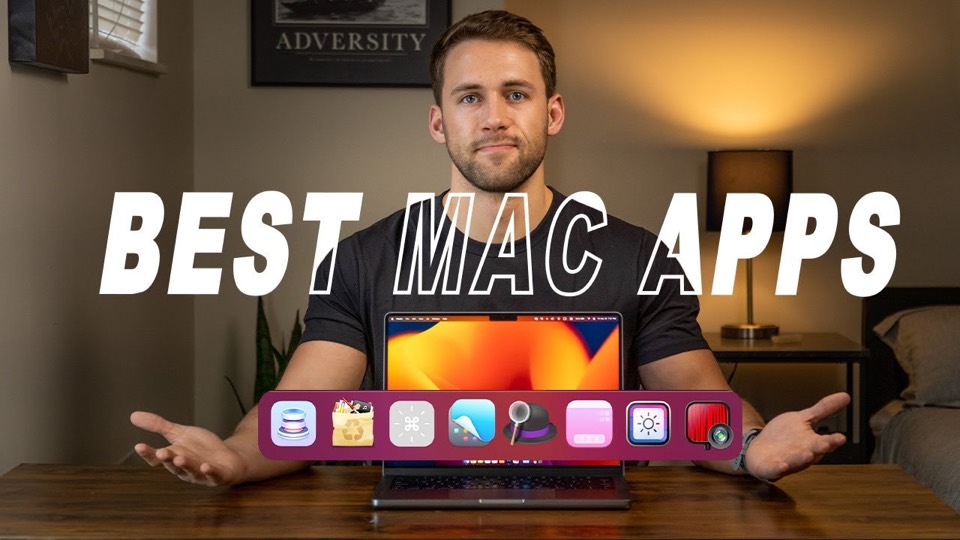
Eleven minutes, ten apps, and a premise the description states outright: the list took years of trial and error to narrow down. The spread is a working Mac rather than a theme — launcher, window snapping, menu-bar decluttering, a shelf for files, brightness control and an uninstaller — which is what a list looks like when it comes from daily use rather than from a category.
The premise is worth taking seriously because it is unusual in this genre: the description says the list took years of trial and error to narrow down, and the selection reads that way. There is no theme holding it together beyond “apps someone actually runs”, and the ten entries cover a launcher, a mirror for video calls, window snapping, hiding desktop icons, the menu bar, temporary files, a file shelf, keyboard-shortcut cheats, monitor brightness and uninstalling.
Alfred at 0:54 leading is the tell. A launcher is not the most exciting app on anyone’s Mac, and putting it first is a statement that the list is ordered by how much of the day it touches rather than by how impressive it looks.
Rectangle at 2:52 is the entry that has aged most visibly, in a good way: in April 2023 snapping a window to half a screen needed a third-party app, and macOS 15 has since shipped tiling of its own. HiddenMe at 4:00 and Bartender at 4:50 are two answers to the same complaint — the desktop and the menu bar both accumulate clutter — and they sit next to each other for that reason.
The back half is the part that distinguishes a working list from a showcase. Dropzone at 7:54 is a shelf for files in transit, CheatSheet at 8:35 holds every keyboard shortcut in the front app, MonitorControl at 9:20 puts brightness and volume on external displays, and AppCleaner at 10:16 removes apps along with what they leave behind. None of these are exciting and all of them are the kind of thing you install once and forget, which is the highest compliment a utility can get.
What it covers
- Alfred leads at 0:54, which is the ranking the rest of the list follows: the launcher is the one app that changes how every other app is opened.
- Rectangle at 2:52 is the window manager, and it is here because macOS in 2023 had no snapping of its own.
- Bartender at 4:50 and HiddenMe at 4:00 are both menu-bar and desktop decluttering, which is two entries spent on the same complaint.
- AppCleaner closes the list at 10:16, which is the right order: uninstalling is what you do after deciding an app from a list like this was not for you.
Chapters
Chapter times are the creator's own list. It labels the ten entries "App 1" to "App 10"; the names here come from the same description's ordered list of the apps in the video.
Apps in this video
 AlfredLauncher and automation tool with workflows and snippets.
 RectangleFree open-source window manager for macOS, with a paid Pro tier.
 BartenderMenu bar manager with hiding, triggers and a second bar.
 DropzoneCreate a popup grid of customizable actions.
 MonitorControlControl external display brightness and volume directly.
- AppCleanerThoroughly uninstall apps.