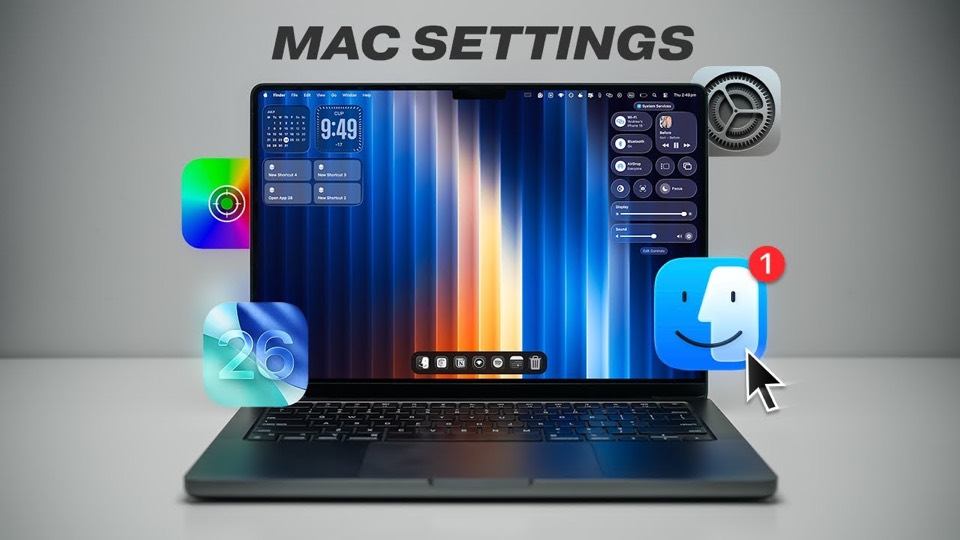
The player could not load. Watch it on YouTube instead.
A new Mac set up in twelve minutes: settings first, apps second
The ULTIMATE Mac Setup Tutorial – Settings, Apps & Tips
About this video
Seven of the twelve minutes are macOS settings before a single app is recommended: startup at 0:28, the Dock at 2:06, the menu bar at 3:54, security at 4:50. Apps arrive at 7:08 under the heading "making macOS useful", and the last chapter at 10:22 is macOS 26 Tahoe settings for anyone about to upgrade.
Most setup videos are app lists with a settings section bolted on. This one inverts the proportion: startup items, the Dock, the menu bar and security take up the first seven minutes, and the apps arrive at 7:08 as the last thing rather than the main event.
That ordering is defensible. A new Mac is usable before anything is installed, and unusable if the defaults are left alone in the wrong places — a Dock full of Apple’s own apps, a menu bar with no room, a machine that does not lock itself. The chapter at 4:50 is the one to watch even if you skip the rest, because it is the only section about safety rather than taste.
“Making macOS useful” from 7:08 is where the software goes, and the description names three: Superwhisper for dictation, Encrypto for encrypting files, Dockfix for the Dock. None of the three has a page on this site, which is why this record links no apps — better an empty list than a partial one that implies the rest.
The last chapter is a preview rather than a report. At 10:22 the video turns to macOS 26 Tahoe settings, and the description frames them as something to apply when you upgrade. Uploaded at the end of July 2025, it was written for a release that had not yet arrived on most machines, which is worth knowing before you go looking for a setting that is not where the video says.
What it covers
- Settings get seven minutes and apps get three, which is the reverse of most setup videos and the reason this one is worth keeping.
- The security chapter at 4:50 is the only part that is not about preference — it covers locking the machine down rather than arranging it.
- The Dock and menu bar sections together run from 2:06 to 4:50, and are the two places a new Mac looks least like the one in the video.
- The final chapter at 10:22 is Tahoe settings offered in advance of an upgrade, not a report from a machine already running it.
Chapters
Chapter times are the creator's own list, published in the video description.
Apps in this video
The apps named in the description — Superwhisper, Encrypto, Dockfix — have no catalogue entries, so no app page is linked rather than a partial list implied.