The player could not load. Watch it on YouTube instead.
Twelve free apps your Mac is missing
Your Mac Is Missing All of These
About this video
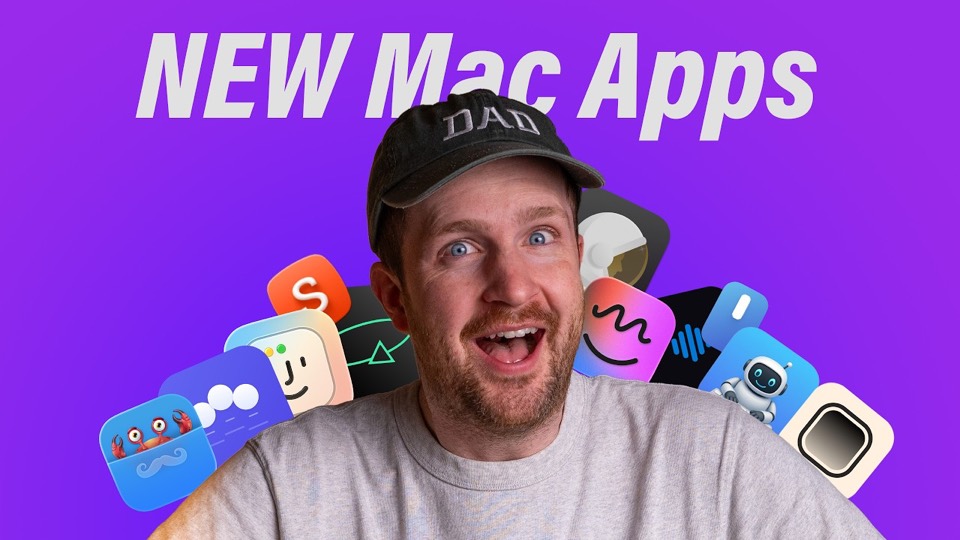
Thirty-three minutes on twelve small apps, most of them free and several open source, each filling a gap macOS has left open: a folder preview in the menu bar, a Dock that shows window previews, on-device dictation, a Caps Lock remapped into a modifier, a scratch pad, screenshot editing, a middle click, and a fix for pointer acceleration. The premise is that the agentic coding wave has produced a lot of slop and a few genuinely good utilities.
None of the picks are apps that appear in every other list, and several are recent enough that the reason to watch is not “what does it do” but “does it work”. That is why the length is justified rather than padded: unfamiliar software needs a minute or two of proof before a name means anything.
The framing is honest about why they exist. The opening chapter is called “it’s sloppy out there” — the agentic coding wave has produced a great deal of low-quality software alongside a few genuinely good utilities, and the video’s job is sorting one from the other. That is a more useful premise than a round-up, because it explains why a list of twelve free apps from 2026 looks nothing like one from 2022.
DockDoor at 7:30 is the most immediately legible pick: it puts window previews in the Dock, which is what Windows has done for twenty years and macOS still does not. Shottr at 26:33 is the same argument applied to screenshots — annotation, scrolling capture, text extraction — and it is the one app here most people will already have heard of.
The two that close the video are the ones worth staying for. MiddleDrag at 29:42 and LinearMouse at 30:44 are both about the pointer, and both exist because macOS handles mice differently from trackpads in ways that surprise anyone who plugs one in. LinearMouse in particular fixes acceleration and per-device scroll direction, which is a setting the system does not expose.
The middle is a mix of the clever and the narrow: a local text autocomplete, an on-device dictation app that competes with paid ones, a Caps Lock remapped into a modifier, a scratch pad, a markdown viewer and a focus tool that dims the windows behind the one you are using. Watch it for the three or four that fit how you work; the rest are evidence for the argument.
What it covers
- Eight of the twelve have a page on Nuanyue, which is unusual for a list this recent and reflects how many of the picks are already established utilities.
- DockDoor at 7:30 and Shottr at 26:33 are the two that replace something the system does badly rather than adding a new capability.
- Hyperkey at 13:35 is the smallest change in the list and possibly the most useful: Caps Lock becomes a modifier nothing else uses.
- The last two entries, MiddleDrag and LinearMouse, are both about the pointer, which is the one input device macOS still gets wrong for people coming from other systems.
Chapters
Chapter times are the creator's own list, published in the video description.
Apps in this video
 Folder PeekQuickly access documents, files, folders, and apps from the menu bar.
 DockDoorFree and open source window peeking & alt-tab for macOS.
 TypeWhisperLocal Whisper-based speech-to-text with a global hotkey.
 HyperkeyTurn Caps Lock or another modifier into a Hyper key.
- FluxMarkdownQuick Look extension for Markdown previews with Mermaid, KaTeX, GFM, TOC, and charts.
- ShottrFast macOS screenshot and annotation tool with scrolling capture and OCR.
- MiddleDragThree-finger trackpad gestures for middle-click and middle-drag on macOS.
 Linear MouseFull control of mouse.